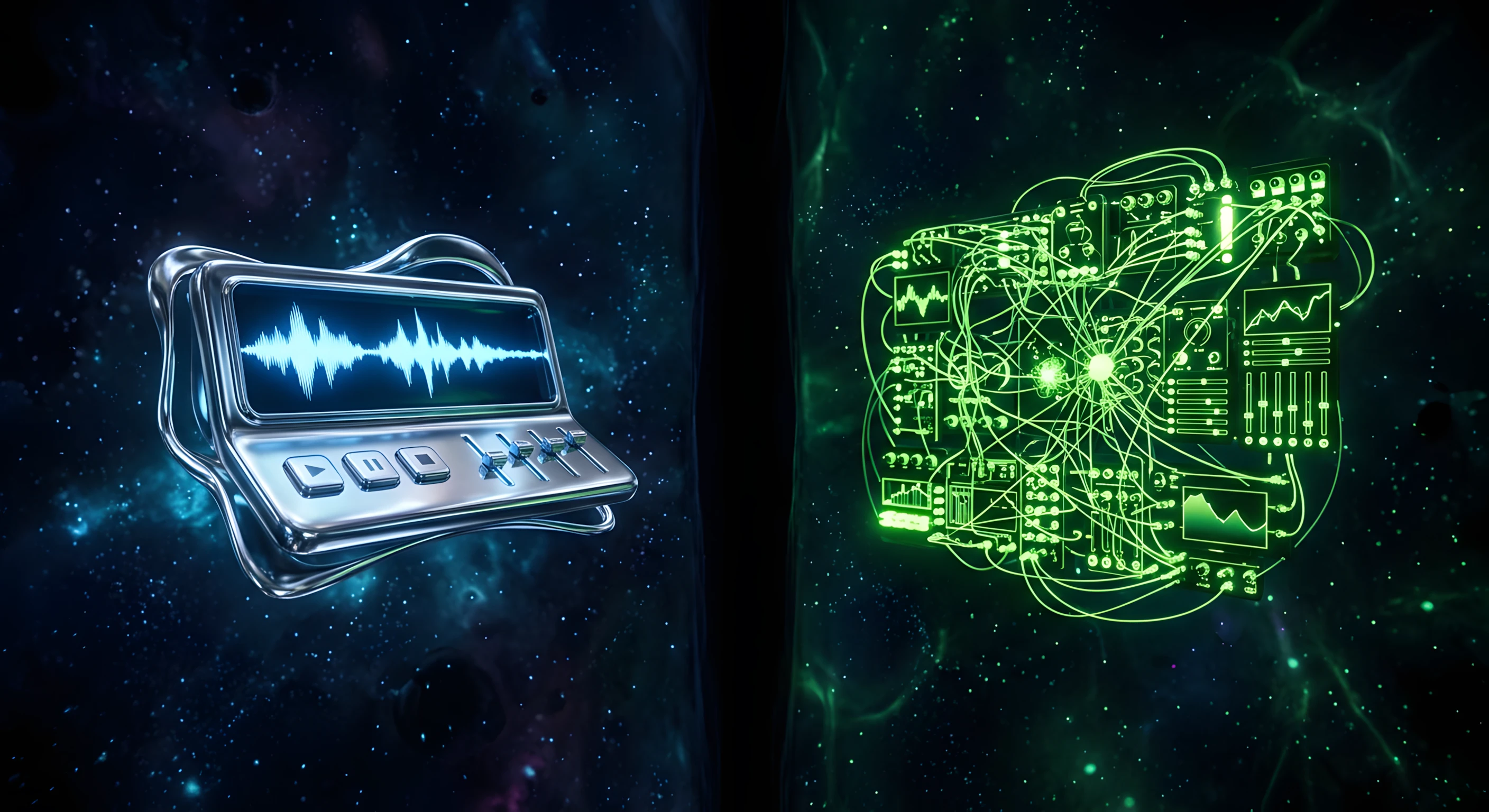
You're building a web experience with audio. You've heard of Tone.js. You've heard of Howler.js. They both live in the same category — web audio JavaScript libraries — but they're not solving the same problem.
Using the wrong one will cost you hours.
Here's how to tell them apart and pick the right tool for your project.
What each library actually does
Howler.js — Audio playback, done right
Howler.js is a playback library. Its job is simple: load an audio file, play it reliably across every browser, manage volume, handle sprites. Nothing more, nothing less.
It abstracts the Web Audio API and HTML5 Audio under a single, consistent interface. The result is predictable behavior across Chrome, Safari, Firefox, and mobile — which is harder to achieve than it sounds, given how inconsistently browsers implement the Web Audio spec.
Where Howler.js excels:
Background music for games and interactive experiences
UI sound effects (clicks, notifications, transitions)
Audio sprites — packing multiple short sounds into a single file for performance
Any scenario where you need reliable playback with minimal configuration
What Howler.js doesn't do: synthesis, sequencing, effects chains, musical timing. It plays files. That's it.
Tone.js — A musical instrument for the web
Tone.js is a different kind of tool. It's built on top of the Web Audio API, but it doesn't just play audio files — it lets you create sound programmatically.
Think: synthesizers, sequencers, audio effects, transport timing (BPM), pitch shifting, reverb, distortion. Tone.js treats the browser like a DAW.
Where Tone.js excels:
Generative music and procedural audio
Interactive music applications (step sequencers, arpeggiators)
Real-time audio synthesis and sound design
Precise musical timing — Tone.js has a transport clock synced to the Web Audio timeline, not the JavaScript event loop
Audio effects chains: reverb, delay, distortion, filters, compression
The tradeoff: Tone.js is more complex. The API surface is large, the mental model is musical rather than functional, and the bundle size reflects that.
Side-by-side comparison
Howler.js | Tone.js | |
|---|---|---|
Primary use | File playback | Synthesis & sequencing |
Learning curve | Low | Medium–High |
Bundle size | ~7 KB (gzip) | ~20 KB (gzip) |
Musical timing | None | BPM-synced transport |
Audio effects | None | Full effects chain |
File formats | All (with fallbacks) | MP3, WAV, etc. |
Cross-browser | Excellent | Good |
Best for | UI audio, games, music players | Music apps, generative audio |
When to use Howler.js
You're building a music player. A portfolio with a sticky audio player that streams tracks as the user navigates. A beats catalog where producers preview their work. Howler.js handles this with minimal code.
You're adding UI sound design. Hover sounds, click feedback, notification chimes. These need to fire fast, overlap, and never fail. Howler.js sprites let you pack all your UI sounds into a single file and call them by name — zero latency, minimal network overhead.
You don't want to learn a new paradigm. Howler.js maps to how you already think: load a file, play it, stop it. No transport, no nodes, no synthesis graph to understand.
When to use Tone.js
You're building an interactive music tool. A step sequencer, a drum machine, a generative ambient soundtrack that reacts to user input. Tone.js gives you a BPM-synced transport, scheduled events, and every synthesis primitive you'd need.
You need precise audio timing. JavaScript timers (setTimeout, setInterval) drift. The Web Audio API's internal clock doesn't. Tone.js schedules everything on that clock — the difference is audible when you're dealing with rhythmic audio.
You want to process audio in real time. Apply reverb to a microphone input. Pitch-shift incoming audio. Build a visualizer that reacts to frequency data. Tone.js exposes the full audio graph.
Can you use both?
Yes. They're not mutually exclusive.
A common pattern: use Howler.js for asset-based playback (background music, sound effects) and Tone.js for any generative or reactive audio layer. Both work alongside the native Web Audio API, and they won't conflict.
That said: only add both if you genuinely need both. Two audio libraries add weight. If 90% of your audio use case is file playback, reach for Howler.js and call it done.
The practical decision tree

Are you playing audio files? → Start with Howler.js.
Do you need musical timing (BPM, sequences, loops)? → Add Tone.js.
Are you building a music-making tool? → Tone.js, full stop.
Do you need audio effects (reverb, delay, filters)? → Tone.js.
Do you just want reliable cross-browser playback with minimum code? → Howler.js.
What about the native Web Audio API?
Both libraries are built on it. The question is how much abstraction you want.
The raw Web Audio API is powerful but verbose — creating an audio node graph from scratch, managing AudioContext lifecycle, handling the autoplay policy across browsers. Howler.js and Tone.js each solve a specific subset of that complexity.
If you're comfortable with the Web Audio spec, building directly against the API is a valid choice for lightweight use cases. But for anything beyond basic playback, the DX gains from either library are worth the bundle cost.
We've covered the broader landscape of web audio tools available for designers and developers →
Bottom line
Howler.js and Tone.js aren't competitors. They're tools for different jobs.
If your project plays audio files — music, UI sounds, narration — Howler.js is the right tool. If your project makes audio — sequences, synthesis, reactive music — Tone.js is the right tool.
Most web experiences need the first one. Build accordingly.
Frequently asked questions
Should I use Tone.js or Howler.js for a music player?
Howler.js. It's built for reliable file playback across browsers and supports audio sprites with minimal code. Tone.js is overkill for a player — it's designed for synthesis and sequencing, not streaming pre-recorded tracks.
Can I use Tone.js and Howler.js together?
Yes. A common pattern uses Howler.js for asset playback (music, UI sounds) and Tone.js for any generative or reactive layer. Both sit on the Web Audio API and don't conflict — just add both only if you genuinely need synthesis.
How big is Tone.js compared to Howler.js?
Howler.js is around 7 KB gzipped; Tone.js is around 20 KB. For playback-only projects, the smaller Howler.js bundle is the better trade-off.
Is Howler.js still a good choice in 2026?
Yes. For cross-browser audio playback it remains the most reliable lightweight option, handling the autoplay policy, mobile quirks, and sprites that raw HTML5 Audio struggles with.
Which one is easier to learn?
Howler.js. Its model — load a file, play it, stop it — maps to how most developers already think. Tone.js asks you to learn a musical paradigm (transport, nodes, scheduling) that takes longer to internalise.
Go further
If you're building interactive audio experiences for the web, these articles break down the surrounding topics: