The template is live. The listing is written. Then three things happen in the same month.
Framer ships an editor change that shifts how one of your sections behaves. A buyer writes in about a bug you never saw, because they put forty items in a collection you only ever tested with six. And you finally have time to build the feature you cut two weeks before launch.
All three are updates. They are not the same kind of work, and treating them the same way is how a template that sold well turns into a support inbox.
We wrote about turning a finished Framer site into something a stranger can modify, then about the listing that has to sell it. This is the third part: what you do after it ships, when the product keeps changing and the people who already paid do not.
Buyers own a copy, not a subscription
This is the fact everything else follows from. When someone buys a Framer template, they get their own copy of the project. From that moment it is their site. They rename layers, delete sections, pour their own content into your collections, and publish.
Your update reaches the next buyer. It does not reach the site someone built last month.
So every update has two audiences. New buyers get the new version and never know an old one existed. Existing buyers are standing on the old version with their own work layered on top, and anything you change has to be either irrelevant to them or applicable by hand.
That second audience is the one people forget. It is also the one that writes reviews.
Sort every change into one of three bins
Before you touch the file, decide what kind of change you are making.
Fixes. Something is broken and it should never have been. A section collapses at a breakpoint, a form reports success when it failed, a CMS page renders a raw variable in its title. Fixes ship fast, and existing buyers need to know exactly where to look so they can apply the same correction to their copy.
Additions. Something new that does not disturb what is already there. A new page, a new section variant, a new component. Additions are the easy case. Existing buyers can ignore them, and new buyers simply get more.
Breaking changes. Anything that alters a structure buyers have already filled. A renamed CMS field, a component whose properties changed meaning, a page whose layout depends on a new collection. These are the changes that turn a small update into a weekend of someone else's rework.
The discipline is simple to state: fix freely, add generously, break almost never. When a breaking change is unavoidable, it is a major version, and it gets written up as one.

The CMS schema is the contract
Of everything in a template, the CMS structure is the part buyers invest in the most. Their beats, their projects, their pricing, their copy all sit inside fields you named.
Renaming a field feels harmless in your own file. In a buyer's copy it is irrelevant, because their copy does not change. But the moment you tell them to replicate your new layout, which reads from the renamed field, the instructions stop matching what they see.
Rules we hold ourselves to:
Add fields, never rename them. If a name was wrong, live with it and document it.
Never change a field's type. A text field that becomes an option set is a new field.
New required fields are a breaking change. Make them optional, and design the section so it survives them being empty.
Retest every collection at zero items and at forty after any schema edit, the same pass you ran before listing.
If the schema has to change shape, that is the clearest signal you are shipping a version 2, not an update.
Code components are the fragile layer
Layout changes are visible. Code component changes are not, which makes them more dangerous.
A buyer drags your component onto a page and sets its properties in the panel. Those values are stored against property names. Rename a property and the buyer's settings quietly stop applying. Remove one and whatever depended on it falls back to a default nobody chose.
So we treat property controls like a public API:
Existing properties keep their names and meaning.
New properties always ship with a default that reproduces the old behavior.
A component that needs to work differently becomes a new component, and the old one keeps working.
The audio layer is where this bites hardest. A template built around sound usually has more than one component talking to another. In VOLTS, the sticky player and the waveform coordinate through a shared browser event, the pattern we described in keeping audio playing while visitors move through a site. Change the name or payload of that event in one component and the other goes silent without an error. On a music site, silence is the bug buyers notice first.
Any update that touches an audio component gets a full listening pass, in Safari as well as Chrome, on a phone as well as a laptop. Check what the change costs in load time too: a buyer inherits every kilobyte you add.
Framer changes under you
You are not the only one shipping. Framer updates the editor and the rendering continuously, and most of the time that is good news. Occasionally a behavior your layout relied on shifts slightly.
You will not hear about it from a changelog. You will hear about it from a buyer.
Schedule the check instead of waiting for the message. Once a month, open the template's own preview and walk it like a buyer would: every page, every breakpoint, every interaction state, the CMS at its limits, the audio with sound on. It takes half an hour. It catches the problem before it becomes a review.
This is also the honest version of what a listing can promise. Nobody can promise lifetime updates against a platform they do not control. You can promise to keep the template working on current Framer, and a monthly pass is how you keep that promise.

Version it and write the changelog for buyers
A template without a version number cannot be supported. When someone writes in, the first question is which version they started from, and neither of you can answer it.
Put the version somewhere a buyer will find it without asking: the setup guide, the footer of the setup page, a line in the listing. Then keep a changelog written for the person who bought, not for you.
Each entry answers three questions:
What changed. In plain terms, by page and section.
Do I need it. Most existing buyers do not need most additions. Say so. It saves them an afternoon.
How to apply it by hand. For fixes, the exact layer, property, or field to change. If the fix cannot be described in a few steps, it is probably not a fix.
A changelog entry that reads "various improvements" tells the buyer you did not track what you changed. That is the opposite of the reassurance they paid for.
A real one: the multi-beat cart
Our next VOLTS update is a working example of the bins above.
VOLTS shipped with a deliberately simple purchase flow: one click on a beat, one license, a prefilled contact form. It is coherent and it works. The planned update lets a visitor select several beats, pick a license once, and send the whole selection to the form.
Sorted honestly, it is an addition with one breaking edge.
The selection logic is new, built on the same event pattern the audio components already use, so nothing existing has to change shape. The contact form learns to accept several items instead of one, and it has to keep accepting the single-beat link, because every existing buyer's site still sends it.
The breaking edge is the price on each beat card. It will read "From" the cheapest license, and a Framer collection cannot compute a minimum on its own. That makes it a value the buyer maintains by hand. If they change their license prices and forget the cards, the site contradicts itself. That caveat goes in the changelog and the setup guide on the day the update ships, not after the first confused email.
It is also a reason to contact every existing buyer with something useful, which is rarer than it sounds.
Where the update ends and the custom work begins
Updates attract requests. A buyer reads the changelog and asks whether you could also add the section they have always wanted.
The line we use is the one from our retainer work: maintaining decisions you already made is part of what they bought. Making new decisions for one site is a project. An update ships to everyone. A request that only one buyer needs is custom work, and it is priced as custom work.
Say this before it comes up. One sentence in the setup guide saves a long thread later.
The pass before you ship an update
Before an update goes live, run it against a copy of the previous version filled with content that is not yours.
Does every existing page still render with the old content untouched.
Did any CMS field change name, type, or required status.
Do all code component properties keep their names and defaults.
Does the audio still start, persist, and stop across pages, on Safari and on a phone.
Is the version number updated in every place a buyer can see it.
Can an existing buyer apply each fix from the changelog alone, without asking you.
If any answer is no, you are shipping a breaking change. Either fix it or call it a new version out loud.
Takeaway
The first sale proves the template is worth buying. The first update proves it is worth trusting.
Buyers own a copy and build on top of it, so every change has two audiences. Fix freely, add generously, and treat the CMS schema and component properties as a contract you do not rewrite. Check your own preview every month instead of waiting for Framer to surprise you. Version everything, and write the changelog for the person who paid.
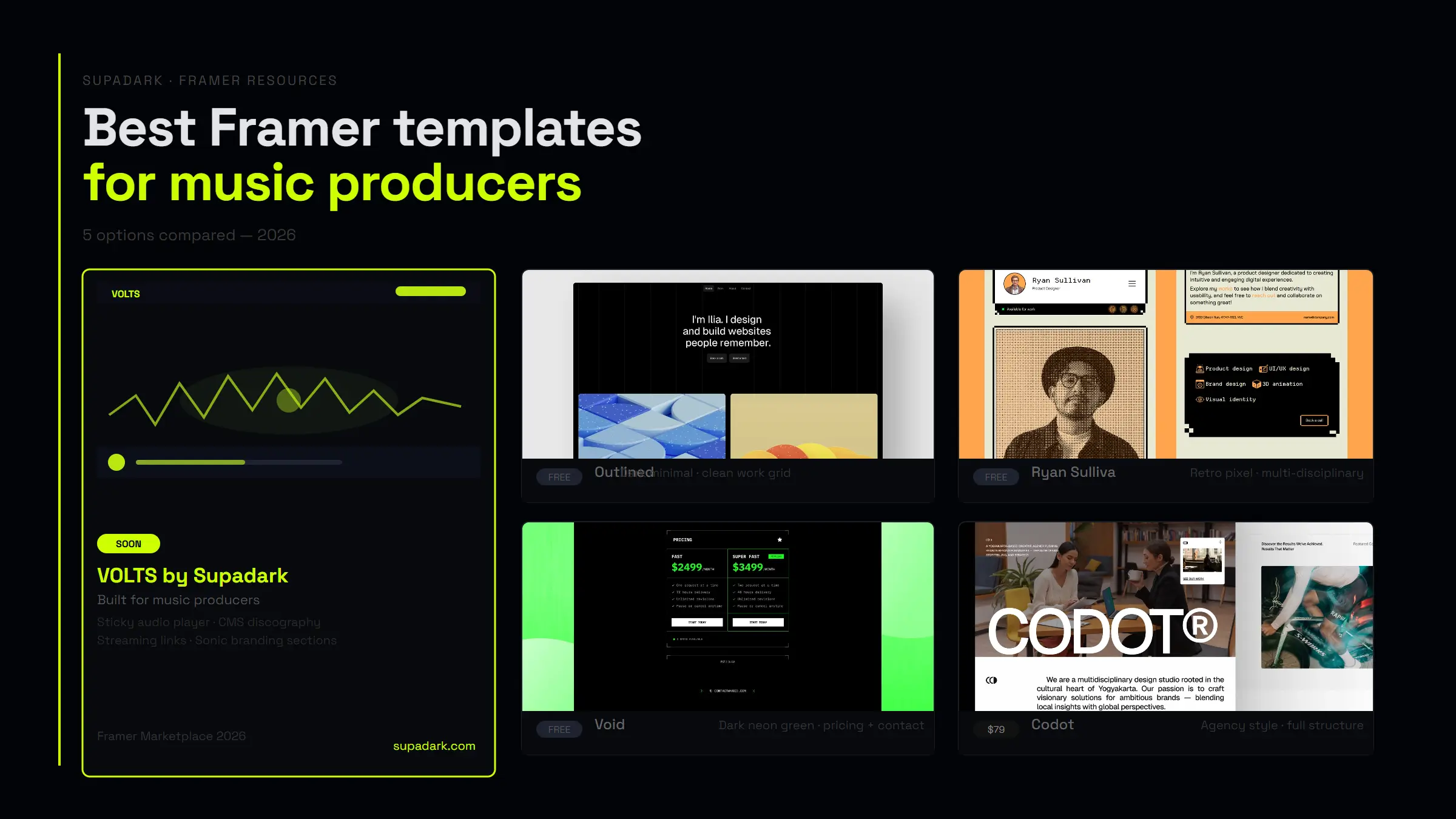
If you want to see what a template built with that contract in mind looks like, VOLTS is on the Framer Marketplace. And if you are still choosing one rather than selling one, the same criteria apply from the other side: here is how we read Framer templates for music producers.